Skip to content
View in the app

A better way to browse. Learn more.

2002FAQ

A full-screen app on your home screen with push notifications, badges and more.

To install this app on iOS and iPadOS
  1. Tap the Share icon in Safari
  2. Scroll the menu and tap Add to Home Screen.
  3. Tap Add in the top-right corner.
To install this app on Android
  1. Tap the 3-dot menu (⋮) in the top-right corner of the browser.
  2. Tap Add to Home screen or Install app.
  3. Confirm by tapping Install.

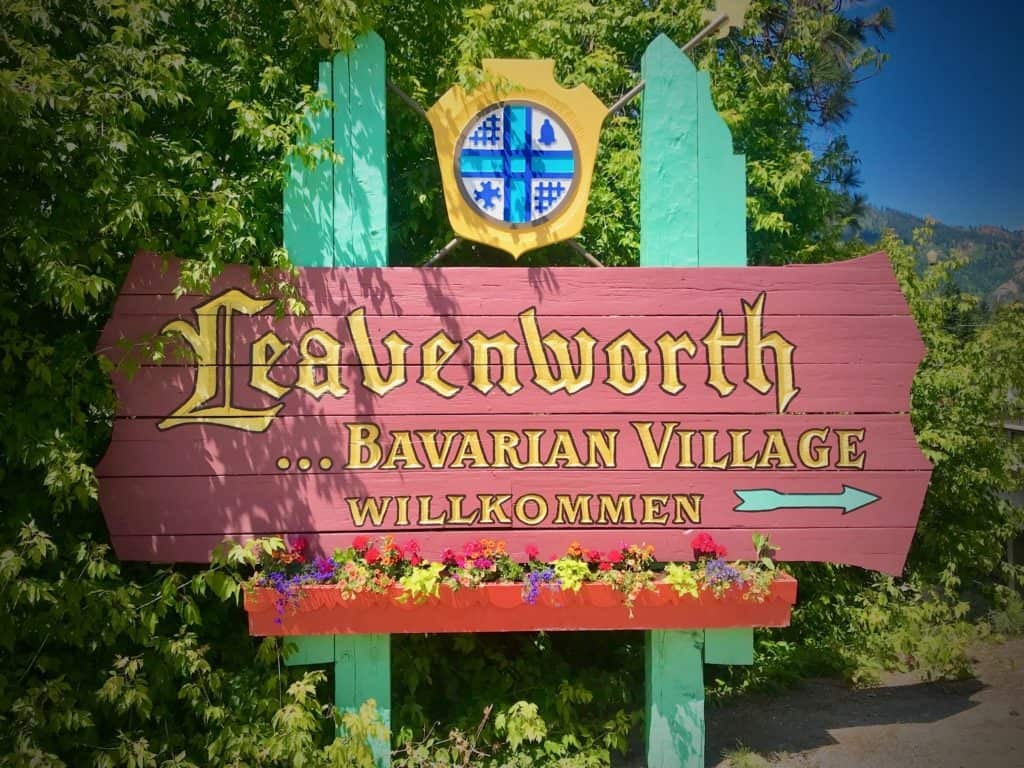
UPDATED: PNW Octoberfest Leavenworth Drive
(0 reviews)

2002_Leavenworth_Fall_Drive-01.png


Hey Boys and Girls, let's get together for one last cruise before the wet-dark-season starts. 


Itinerary:

9:30: Meet at the Buzz Inn Steakhouse 

18960 US-2 #112, Monroe, WA 98272 
10:00 Leave and head out on Rt 2 towards Leavenworth
11:30-12:00: Arrive in Leavenworth
12:00-1:30: Eat lunch somewhere German in town
1:30: Leave to Cle Elum

2:30: Cle Elum to gas up then bomb home over 90


Link for the Route: 
ROUTE!


Note that the official Octoberfest Festival has been canceled this year due to the pandemic. We'll find a place in town to grab lunch and a beverage while practicing social distancing best practices. 


Please reach out to @Teelinger for any questions or suggestions. 


Let's hope for good weather!


Cheers, James


User Feedback

Create an account or sign in to leave a review

There are no reviews to display.

Account

Navigation

Search

Search

Configure browser push notifications

Chrome (Android)
  1. Tap the lock icon next to the address bar.
  2. Tap Permissions → Notifications.
  3. Adjust your preference.
Chrome (Desktop)
  1. Click the padlock icon in the address bar.
  2. Select Site settings.
  3. Find Notifications and adjust your preference.