Skip to content
View in the app

A better way to browse. Learn more.

2002FAQ

A full-screen app on your home screen with push notifications, badges and more.

To install this app on iOS and iPadOS
  1. Tap the Share icon in Safari
  2. Scroll the menu and tap Add to Home Screen.
  3. Tap Add in the top-right corner.
To install this app on Android
  1. Tap the 3-dot menu (⋮) in the top-right corner of the browser.
  2. Tap Add to Home screen or Install app.
  3. Confirm by tapping Install.

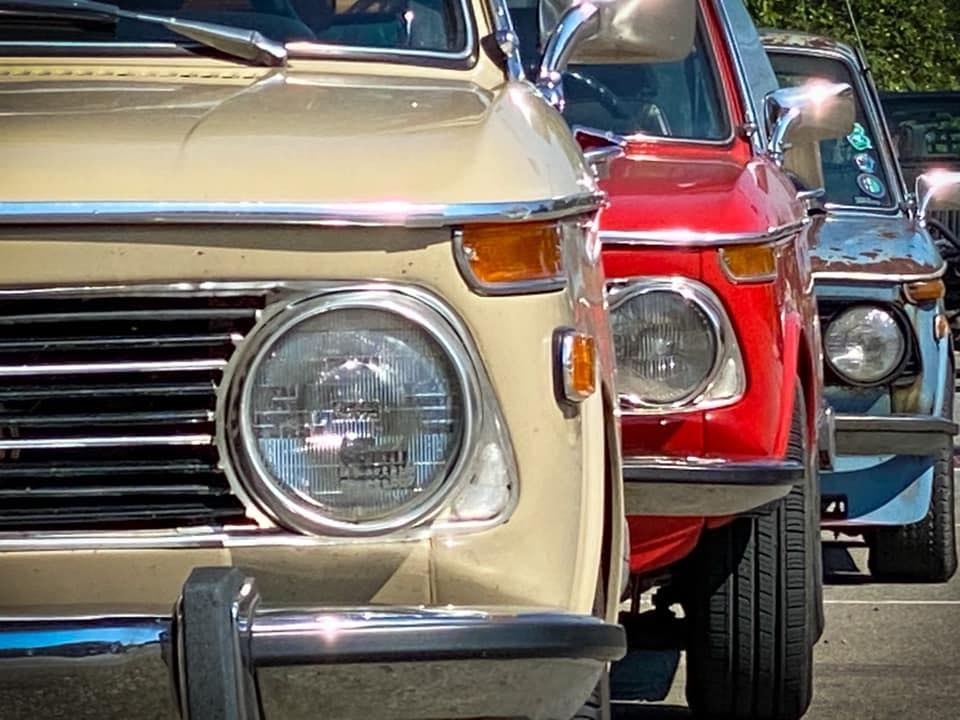
Mega Abundant Fall Drive 2020

Ben Younce is setting up a fall drive in Indiana for the RGB crew. Details are still TBA, but we will meet up at 10:00 AM and complete a roughly 190 mile circuit of interesting byways, including a ferry ride, a lookout at a lock, a visit to historic Madison, IN, a winery-restaurant and a beer hall in Oldenburg, IN. The RGB page on Facebook is the place to look for more information, but I will update this page once there are more details to share.

RGBSocialDistance.jpg

Recommended Comments

There are no comments to display.

Account

Navigation

Search

Search

Configure browser push notifications

Chrome (Android)
  1. Tap the lock icon next to the address bar.
  2. Tap Permissions → Notifications.
  3. Adjust your preference.
Chrome (Desktop)
  1. Click the padlock icon in the address bar.
  2. Select Site settings.
  3. Find Notifications and adjust your preference.