


Tech Session, KC 2002 Forever Chapter

2002 Forever Chapter
Midwest Region
Tech Session: Wednesday, November 3, 2021, 7-9 PM
Location: Slimmer’s Automotive, Lawrence, KS
Contact: [email protected]

Let’s Brake Our 2002s!
The brakes on a BMW 2002 (and most cars) are made up of several systems: Hydraulic, Boost, Apply, Warning, Balance and Wheel Brakes. On a 2002 these systems are usually robust and very effective at their job of converting momentum (more correctly, kinetic energy) into heat and then dissipating that heat to slow or stop the vehicle. The 2002’s brake systems don’t normally require much TLC but they definitely require periodic checkups and maintenance.

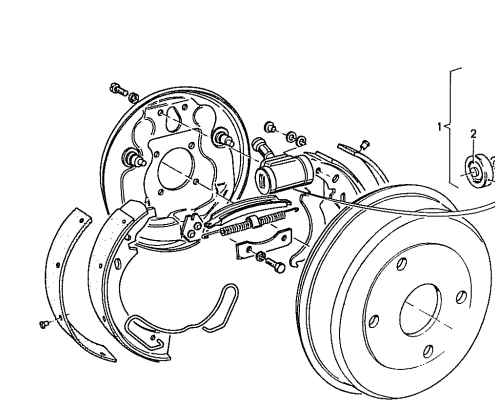
For this Tech Session, we will provide a quick overview of all the systems involved in braking, some tests of those systems that can be performed on the car, and a list of recommended maintenance. For the finale, we will attempt to perform an adjustment of the rear brake shoes on live camera with no safety net! If we survive, you’ll discover that this often-overlooked job yields great benefits including faster, straighter stopping and a parking brake that actually keeps the car parked where you left it!
User Feedback
There are no reviews to display.