


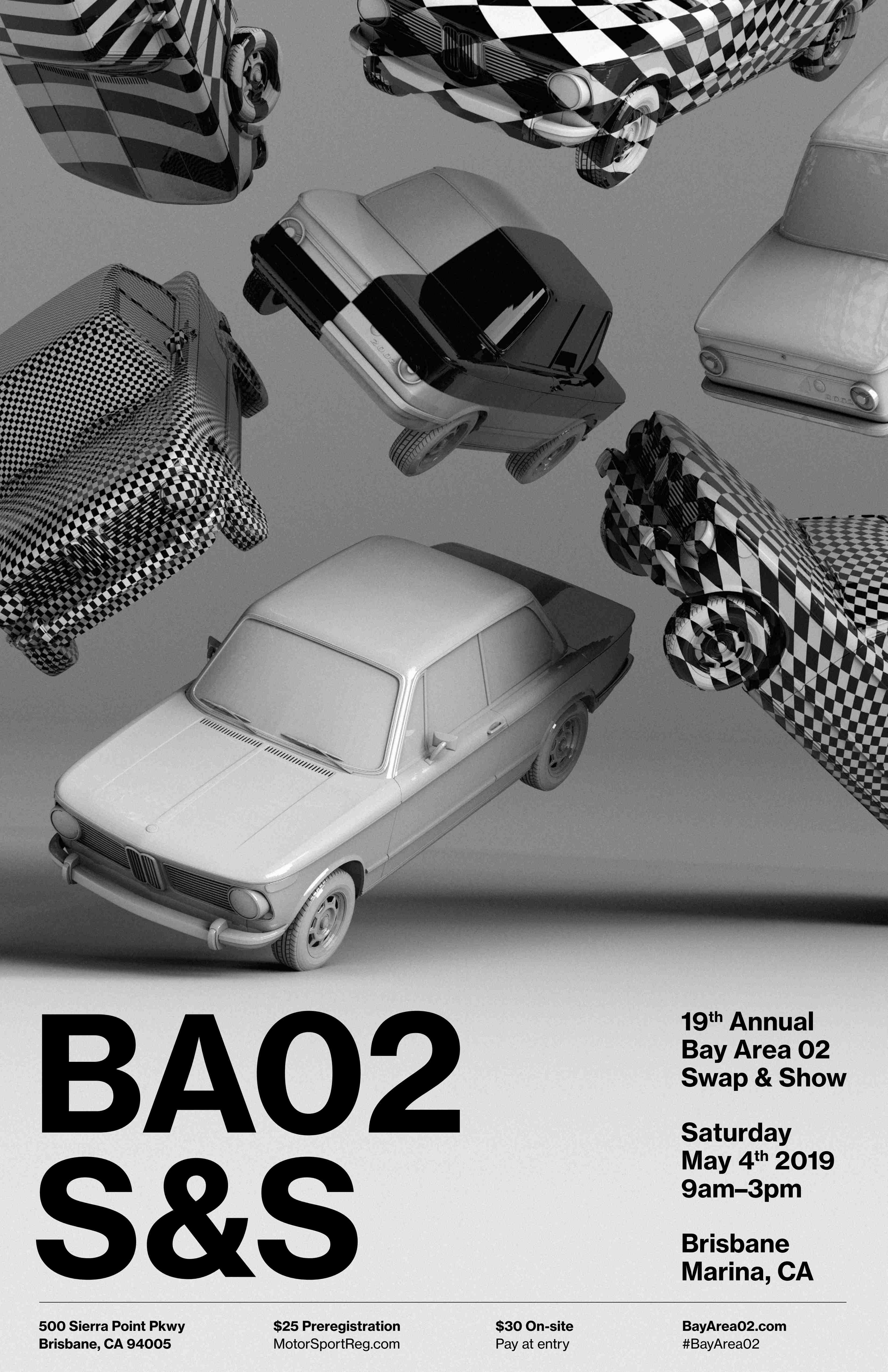
BayArea 02 Swap & Show 2019 on 4 May

BayArea 02 Swap & Show, 4 May 2019, Marina at Brisbane, California. The address is:
500 Sierra Point Parkway-- along the Bay on the North side of Sierra Point. Preregister on Motorsportreg (see below). Preregistration is $25 while the on-site fee on 4 May will be $30. Graphic artist Kile Brekke has again added his art to our T-shirts and printed materials; we think you will be delighted with his design! Please preregister early to help us plan for the best number of each shirt size. We will have a named bag for each preregistrant so our closing date is slightly earlier than some years to help us organize the bags.
Note— Swap & Show visitors are welcome! There is no fee for entry if you do not show your car or swap parts. However, we encourage anyone with a BMW of our vintage to bring your car to display, no matter how mundane your daily driver (dirt, rust and all) or how beautiful your restoration. Swap & Show does not judge your car so there will be no points for extra dirt, missing dirt, matching luggage or concours glow. We smile at all BMW's and photographs or videos are welcome (but NO drones over cars)!
Preregistration is now open, until Tuesday, 30 April. Go to [Preregister for Swap & Show 2019].
Larry
~~~~~~~~~~~~~~~~~~~~~~~~~~~~~~~~~~~~~~~~~~~~~~~~~~~~~~~~~~~~~~~
-
 6
6

User Feedback
There are no reviews to display.