Skip to content
View in the app

A better way to browse. Learn more.

2002FAQ

A full-screen app on your home screen with push notifications, badges and more.

To install this app on iOS and iPadOS
  1. Tap the Share icon in Safari
  2. Scroll the menu and tap Add to Home Screen.
  3. Tap Add in the top-right corner.
To install this app on Android
  1. Tap the 3-dot menu (⋮) in the top-right corner of the browser.
  2. Tap Add to Home screen or Install app.
  3. Confirm by tapping Install.

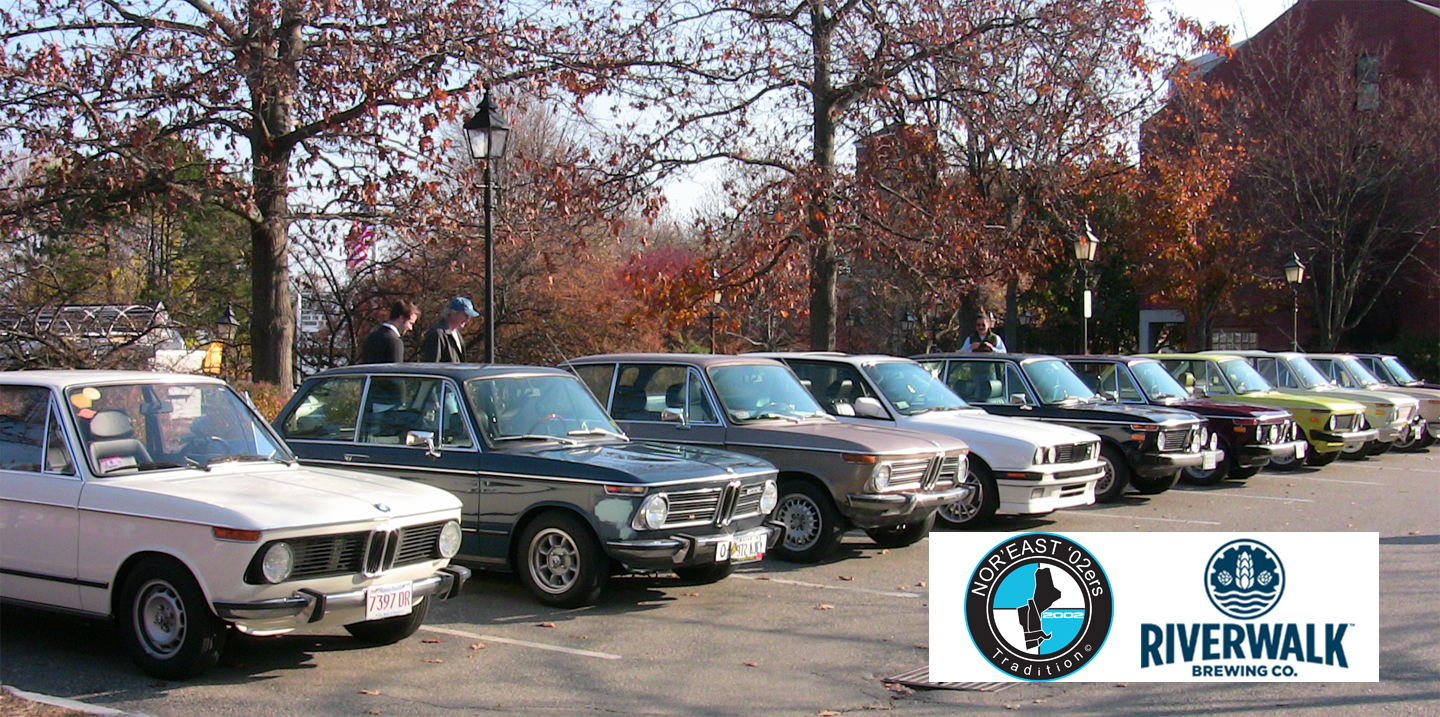
2018 Spring Drive! Newburyport, MA


Hello All,

Hopefully everyone is dusting off the cars and getting ready for another season! We’ve planned a Spring Drive that should allow everyone to have time for oil changes, cleaning up and maybe some repairs or upgrades knocked-off the list!

We will be meeting at our original meeting place from 2009.

When: Saturday, May 19th at 10:00 AM

Where: Green Street Lot, 2 Unicorn St, Newburyport, MA 01950

12:00 Noon we will make our way to the Riverwalk Brewery for lunch:

http://riverwalkbrewing.com/craft-brewery-near/

40 Parker Street
Newburyport, MA 01950
978.499.2337

Looking forward to seeing everyone & let’s hope for nice weather!

Regards,

Scott Sislane

[email protected]

image.png.1a348d0ec3c5f9110efaec3d59b5b7ee.png

5ad374a35a7f5_MapMarkedcopy.thumb.jpg.c61d9719da754d660921fee3207f13ec.jpg

Recommended Comments

There are no comments to display.

Account

Navigation

Search

Search

Configure browser push notifications

Chrome (Android)
  1. Tap the lock icon next to the address bar.
  2. Tap Permissions → Notifications.
  3. Adjust your preference.
Chrome (Desktop)
  1. Click the padlock icon in the address bar.
  2. Select Site settings.
  3. Find Notifications and adjust your preference.