Skip to content
View in the app

A better way to browse. Learn more.

2002FAQ

A full-screen app on your home screen with push notifications, badges and more.

To install this app on iOS and iPadOS
  1. Tap the Share icon in Safari
  2. Scroll the menu and tap Add to Home Screen.
  3. Tap Add in the top-right corner.
To install this app on Android
  1. Tap the 3-dot menu (⋮) in the top-right corner of the browser.
  2. Tap Add to Home screen or Install app.
  3. Confirm by tapping Install.

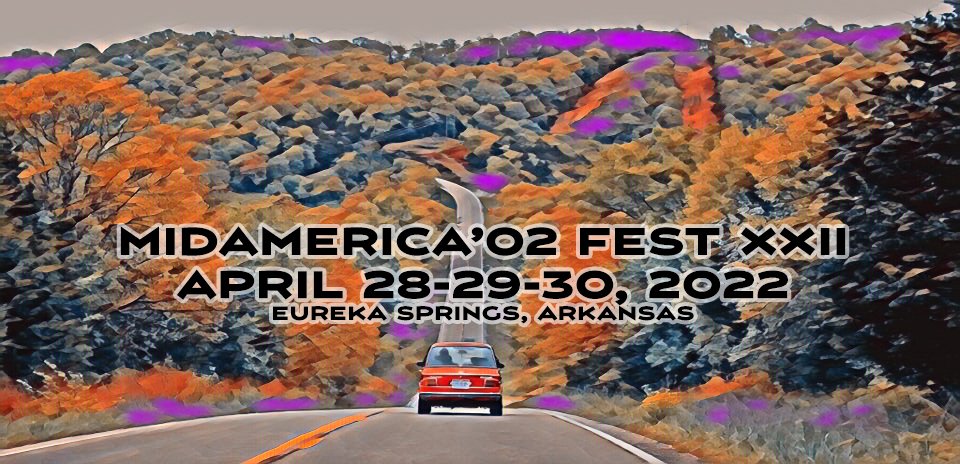
MidAmerica ’02 Fest 22

(0 reviews)

CURRENT AGENDA


THURSDAY - We have added a Thursday afternoon drive to Crystal Bridges Museum of American Art in Bentonville. We have added a Thursday afternoon drive to Crystal Bridges Museum of American Art in Bentonville. Bentonville is 40 miles from Eureka Springs, although we won’t take the shortest route. Thursday evening dinner will be “on your own”. For more details, visit


DINING - There are lots of good places to eat in Eureka. In past years many of our group have gone to Sparky’s – we will have a room reserved.


FRIDAY & SATURDAY - No charge for Friday and Saturday evening dinners. Big thanks to Terry Sayther Vintage Bimmers, the Stricklands, the Famous Fabulous Hiddle Group, and the True Friends of Alex von Falkenhausen.


HOTEL - The host hotel, Best Western Eureka Inn 479-253-9551 (do not make reservations online) will sell out. We are working to secure another hotel room block and will get that out as soon as possible.


WHAT'S NEXT - Registration, meal sign-up, and shirt preorder are open now, no event registration fee.


SAFETY - We've postponed for two years now, and COVID is still out there. We recommend being vaccinated to attend the fest this year. 


QUESTIONS – Bo at [email protected]


As Commander Cody famously said – "I Ain’t Never Had Too Much Fun"

User Feedback

Create an account or sign in to leave a review

There are no reviews to display.

Account

Navigation

Search

Search

Configure browser push notifications

Chrome (Android)
  1. Tap the lock icon next to the address bar.
  2. Tap Permissions → Notifications.
  3. Adjust your preference.
Chrome (Desktop)
  1. Click the padlock icon in the address bar.
  2. Select Site settings.
  3. Find Notifications and adjust your preference.