Skip to content
View in the app

A better way to browse. Learn more.

2002FAQ

A full-screen app on your home screen with push notifications, badges and more.

To install this app on iOS and iPadOS
  1. Tap the Share icon in Safari
  2. Scroll the menu and tap Add to Home Screen.
  3. Tap Add in the top-right corner.
To install this app on Android
  1. Tap the 3-dot menu (⋮) in the top-right corner of the browser.
  2. Tap Add to Home screen or Install app.
  3. Confirm by tapping Install.

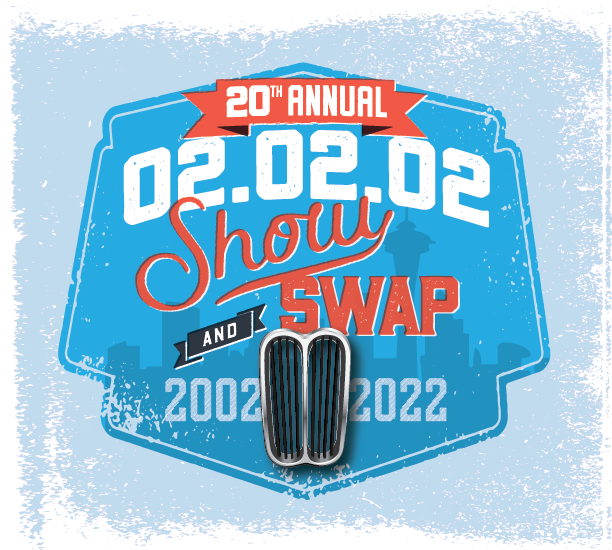
20th Annual 020202 Show and Swap
(0 reviews)

020202_2022-01.png.95dd1fda2fc1d6ee02a8f050d9b6577c.png


Hard to believe, but it's the 20th Anniversary of our annual 020202 Show and Swap event.


WHEN: February 5, 2022, 9am to 12pm

WHERE: Don Armeni Boat Ramp Parking Lot, 1222 Harbor Ave Sw, West Seattle 98116 


staticmap?center=47.5844546%2C-122.37527
GOO.GL

Seattle, WA


Pray for decent weather, get your car in shape, gather your spare parts, and head down to our regular spot in West Seattle. 


As we're still in the middle of the pandemic, we will follow safety protocols. PLEASE wear a mask and maintain safe distances.


If you're in doubt about your health (or questions the sanity of public gatherings) - STAY HOME. There will be other events. 


User Feedback

Create an account or sign in to leave a review

There are no reviews to display.

Account

Navigation

Search

Search

Configure browser push notifications

Chrome (Android)
  1. Tap the lock icon next to the address bar.
  2. Tap Permissions → Notifications.
  3. Adjust your preference.
Chrome (Desktop)
  1. Click the padlock icon in the address bar.
  2. Select Site settings.
  3. Find Notifications and adjust your preference.