


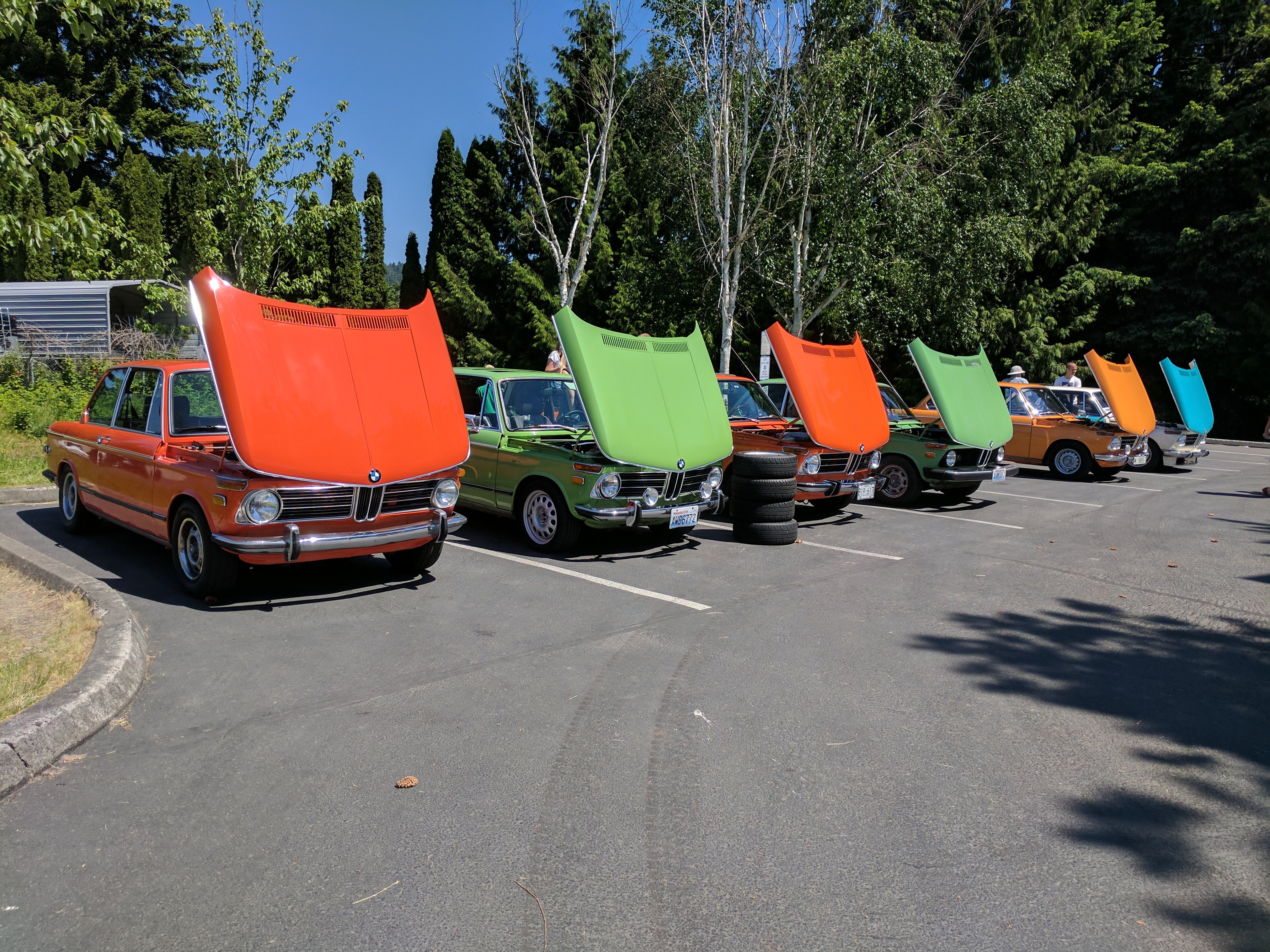
Triple X Burgers and BMWs
Burgers and BMWs-Finally!
Let's meet up early at the Issaquah Coffee Company parking lot at 930am and drive in as a group.
317 NW Gilman Blvd, Issaquah, WA 98027
Details:
Okay, it is finally time! We will be holding the Burgers & BMWs on September 26th, 2021, at the Triple X Root Beer stand in Issaquah, WA. Normally, we would do this at the end of May, but nothing has been normal this year. We got permission to use both parking lots, so let’s fill them up with BMWs!
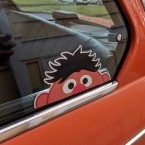
We will start parking cars at 10:00 am. There is a $20 fee to park in the upper lot cash only, please. But, for this, you will get a 50th Anniversary hat and a window cling. Net proceeds from the event go to Life Enrichment Options, a non-profit organization that helps folks with developmental disabilities. The BMW club has a long-standing history of supporting this organization.
The event will run from 10:00 am until 2:00 pm. Remember, Jose and his crew at Triple X make a mean cheeseburger but they only take cash!
We may or may not have some items to raffle off, given our short notice that we were able to hold this event.
We will park cars in the lot, rain or shine! We are Northwesters after and do not stop for rain!!!
-
 1
1

User Feedback
There are no reviews to display.