Skip to content
View in the app

A better way to browse. Learn more.

2002FAQ

A full-screen app on your home screen with push notifications, badges and more.

To install this app on iOS and iPadOS
  1. Tap the Share icon in Safari
  2. Scroll the menu and tap Add to Home Screen.
  3. Tap Add in the top-right corner.
To install this app on Android
  1. Tap the 3-dot menu (⋮) in the top-right corner of the browser.
  2. Tap Add to Home screen or Install app.
  3. Confirm by tapping Install.

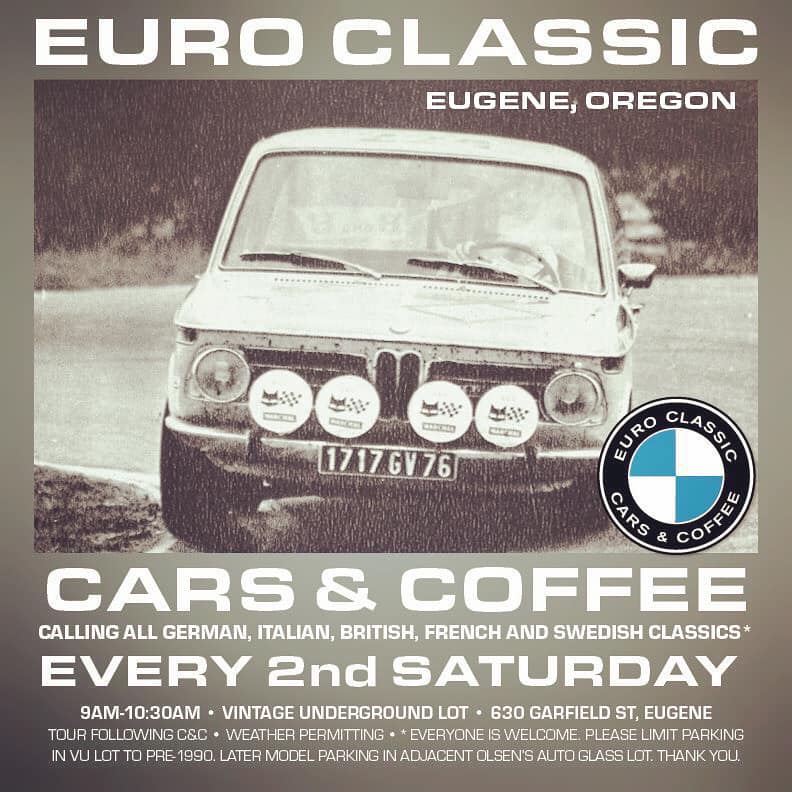
Eugene Euro Classic Cars and Coffee

(0 reviews)

Euro Classic Cars & Coffee is back! Calling all German, Italian, British, French and Swedish Classics! We meet up in the parking lot of Vintage Underground at 630 Garfield St, Eugene, Oregon. Everyone is welcome, but please limit main lot to pre-1990 Euro classics. BYO coffee. Please observe State of Oregon virus mitigation practices by wearing masks and social distancing. There will also be a 50-75 miles country drive following cars & coffee at 10:30.


Typically classic Bimmer heavy


153394028_2555572641408294_4853523506728328854_n.jpg

Edited by joebarthlow

User Feedback

Create an account or sign in to leave a review

There are no reviews to display.

Account

Navigation

Search

Search

Configure browser push notifications

Chrome (Android)
  1. Tap the lock icon next to the address bar.
  2. Tap Permissions → Notifications.
  3. Adjust your preference.
Chrome (Desktop)
  1. Click the padlock icon in the address bar.
  2. Select Site settings.
  3. Find Notifications and adjust your preference.