Skip to content
View in the app

A better way to browse. Learn more.

2002FAQ

A full-screen app on your home screen with push notifications, badges and more.

To install this app on iOS and iPadOS
  1. Tap the Share icon in Safari
  2. Scroll the menu and tap Add to Home Screen.
  3. Tap Add in the top-right corner.
To install this app on Android
  1. Tap the 3-dot menu (⋮) in the top-right corner of the browser.
  2. Tap Add to Home screen or Install app.
  3. Confirm by tapping Install.

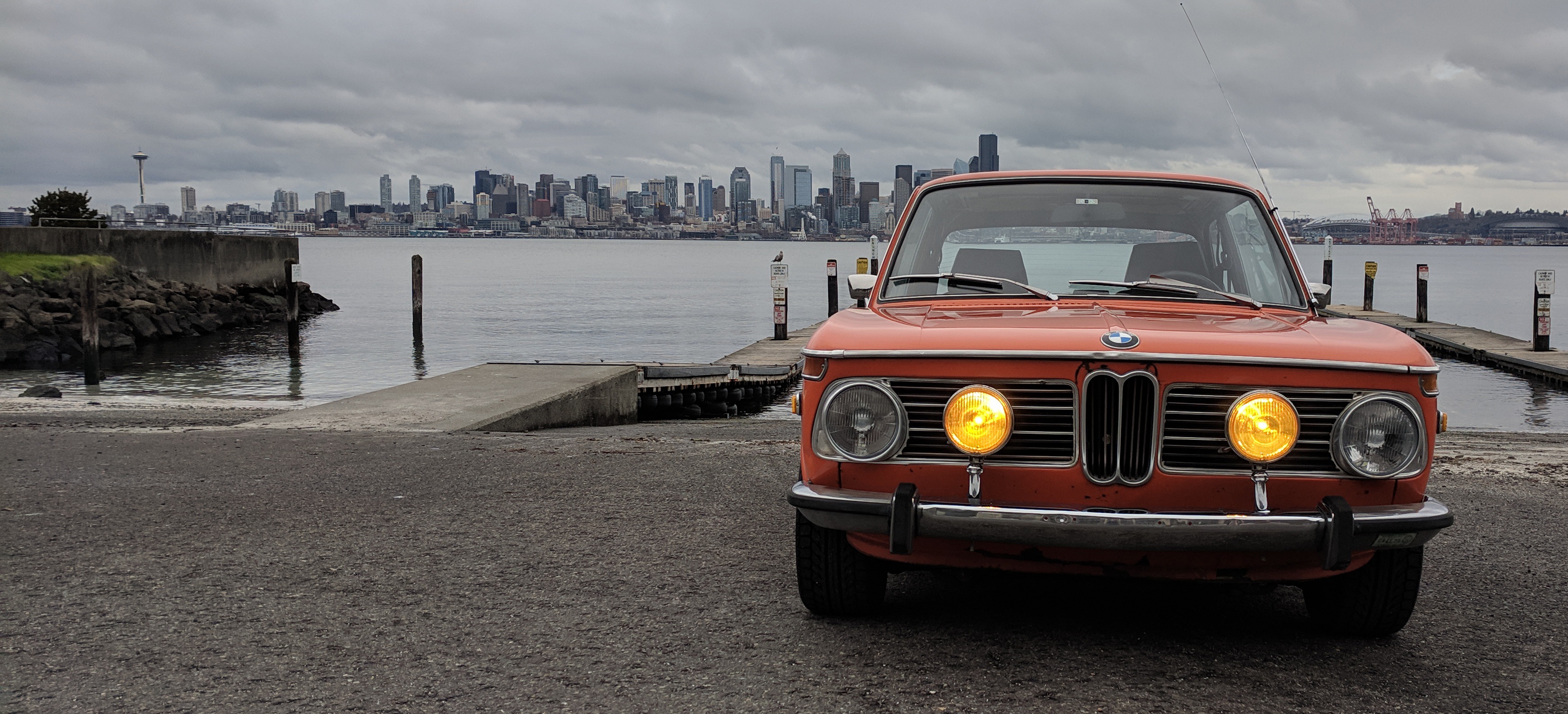
18th Annual 020202 Show and Swap
(0 reviews)

OK Boys and Girls, it's that time of year again. Finish up your projects, wash the car, pack up your parts, and grab some cash!


Come join us for the 18th Annual 020202 Show and Swap.


Same place as in year's past:

Don Armeni Boat Ramp Parking Lot

1222 Harbor Ave SW

West Seattle, WA 98126


Please reach out to @Teelinger for questions. 


020202_2020-01.thumb.png.361e59e4b8b680469bf6bbb811512b6c.png


User Feedback

Create an account or sign in to leave a review

There are no reviews to display.

Account

Navigation

Search

Search

Configure browser push notifications

Chrome (Android)
  1. Tap the lock icon next to the address bar.
  2. Tap Permissions → Notifications.
  3. Adjust your preference.
Chrome (Desktop)
  1. Click the padlock icon in the address bar.
  2. Select Site settings.
  3. Find Notifications and adjust your preference.