Skip to content
View in the app

A better way to browse. Learn more.

2002FAQ

A full-screen app on your home screen with push notifications, badges and more.

To install this app on iOS and iPadOS
  1. Tap the Share icon in Safari
  2. Scroll the menu and tap Add to Home Screen.
  3. Tap Add in the top-right corner.
To install this app on Android
  1. Tap the 3-dot menu (⋮) in the top-right corner of the browser.
  2. Tap Add to Home screen or Install app.
  3. Confirm by tapping Install.

Eugene Euro Classic Cars & Coffee

(0 reviews)

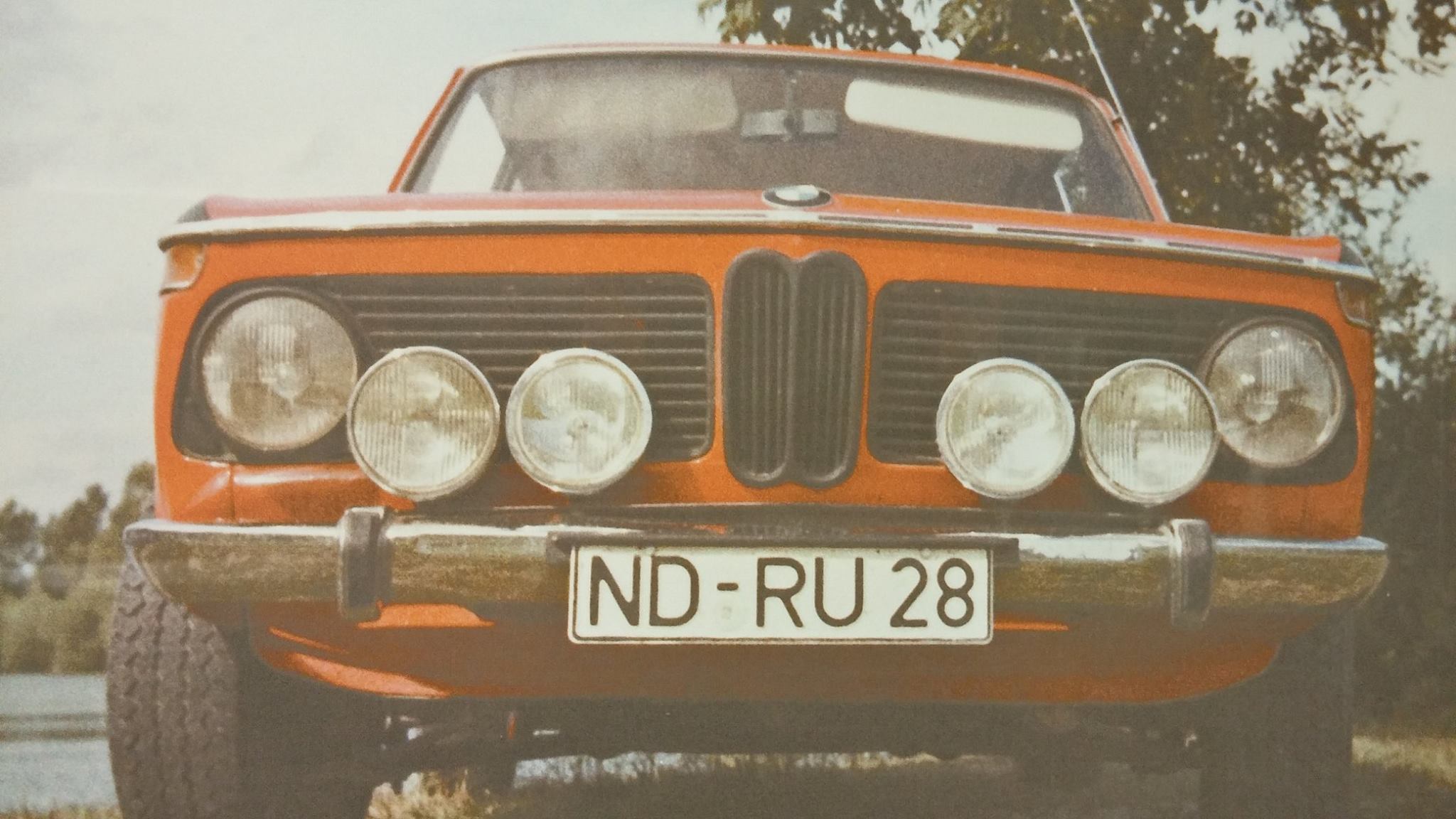
This event will be bimmer heavy. We meet up downtown for coffee and car talk in the lot at the Oregon Electric Station. BYO-coffee or grab your favorite coffee beverage at Morning Glory (1/2 block west) or at Provisions in the 5th St Market (1 block east). We'll have some donuts on hand. No tour this month, but we'll have info on upcoming special tours later in the year. Please spread the word! EVERY FIRST SATURDAY! Everyone is welcome.


ecc&c-poster2.jpg

User Feedback

Create an account or sign in to leave a review

There are no reviews to display.

Account

Navigation

Search

Search

Configure browser push notifications

Chrome (Android)
  1. Tap the lock icon next to the address bar.
  2. Tap Permissions → Notifications.
  3. Adjust your preference.
Chrome (Desktop)
  1. Click the padlock icon in the address bar.
  2. Select Site settings.
  3. Find Notifications and adjust your preference.